Notes
Jot down operator notes for each cue — visible only to you during the show.
What are Notes?
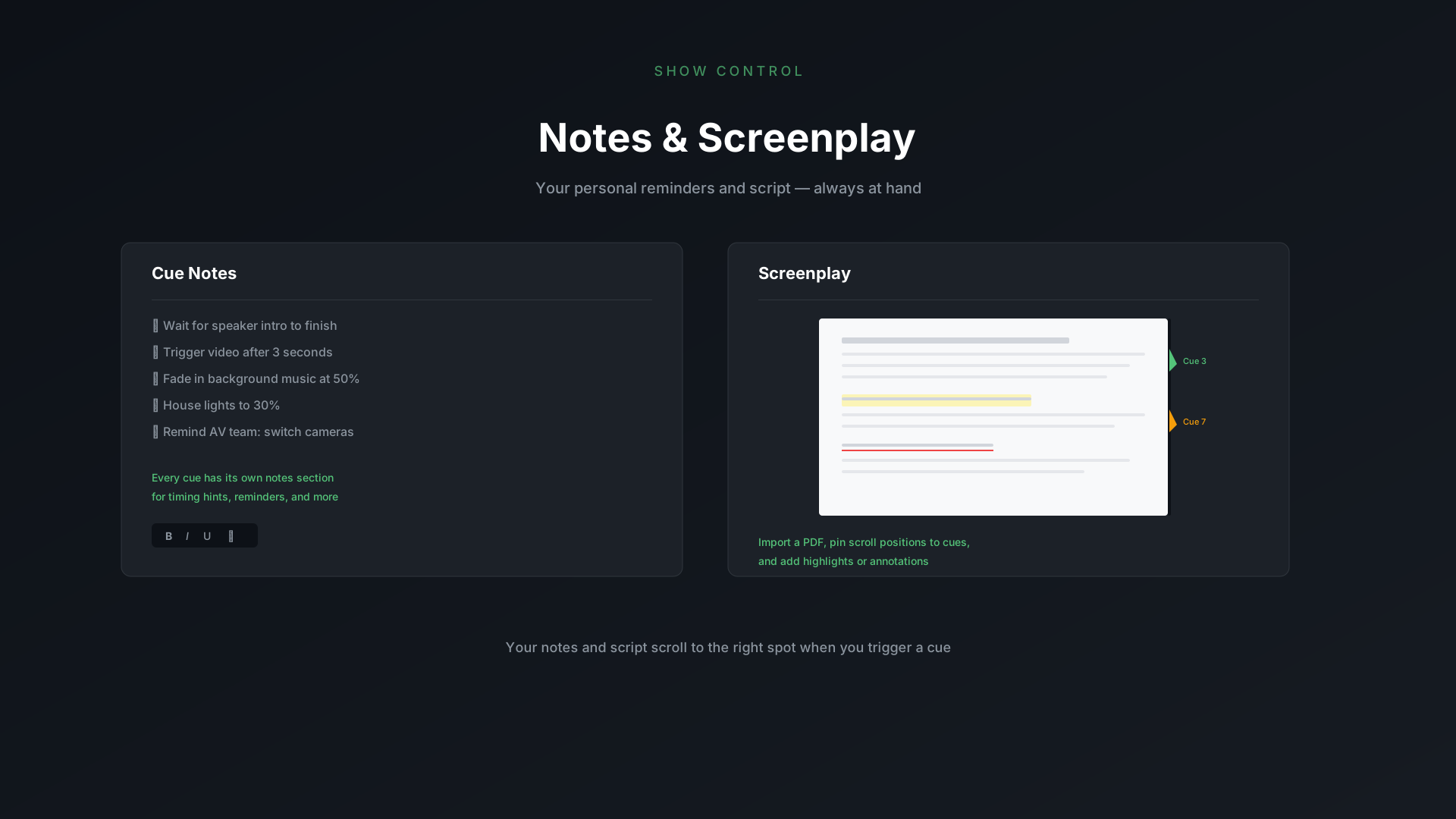
Every cue can have notes — free-form text that only you see in the control window during the show. Your audience never sees them.
Adding Notes
Select a cue, open the Notes section in the toolbar on the right, and start typing. That's it — your notes are saved with the cue and show up automatically in Show Mode.
What to Put in Notes
Anything that helps you during the show! A few ideas:
- Stage directions — "Actor enters from stage left"
- Timing cues — "Wait for applause to die down"
- Audio reminders — "Unmute mic 3"
- Technical notes — "Blackout before moving the set piece"
During the Show
In Show Mode, you can open the notes panel in the tool window to see the current cue's notes. If you don't need them — just keep the panel closed and they stay out of your way.
Notes support rich text. Bold, underline, highlight — whatever helps you scan faster mid-show, go for it.