Monitors
What are Monitors?
In Simpli Show, a monitor is an output destination for your visuals. Your show can have one monitor or several — for example, a main projection, a side screen, and a lyrics display. Each monitor gets its own canvas where you compose content independently.
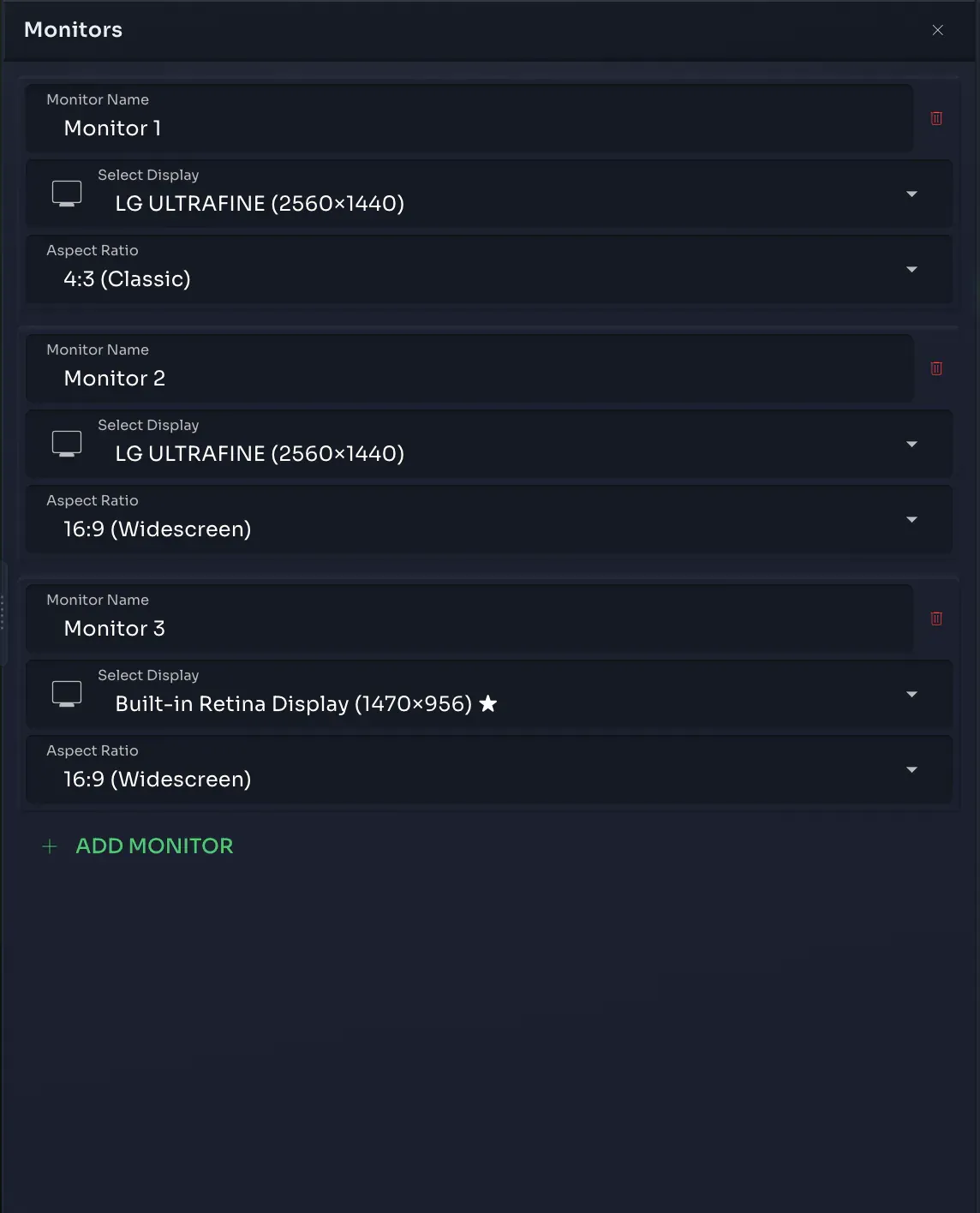
Setting Up Monitors
You'll find monitor configuration in the toolbar on the right side. The first question is simple: how many output monitors does your show need — one, two, three, four?
Once you've picked the number, configure each monitor with an aspect ratio:
| Aspect Ratio | Typical Use |
|---|---|
| 16:9 | Widescreen projectors, screens |
| 4:3 | Classic projectors |
| 21:9 | Ultra-wide displays |
| Custom | Anything else — you set the ratio |
The output will adjust to whatever physical display you connect. If the aspect ratio of your monitor doesn't match the physical display, the projection is shown letterboxed — no stretching, no distortion.
Prepare at Home, Perform on Stage
Here's the beauty of monitors: you can prepare your entire show at home with your home displays connected. Arrange everything, tweak every cue, get it perfect. Then when you arrive at the theater or venue, just connect the real displays and assign them to your monitors. All your content is already in place — you're ready to go.
Edit Mode vs. Show Mode
When you open a monitor in Edit Mode, you get the full canvas — drag assets around, resize them, arrange everything live on screen. It's your workspace for composing visuals.
In Show Mode, monitors are display-only. No editing, just your cues running on the outputs exactly as you designed them.