What is Simpli Show?
Simpli Show is a cue-based desktop application for controlling live visuals across multiple screens and projectors.
Overview
Simpli Show handles live visuals — video, images, audio, text, and shapes — across multiple projectors and screens at once. It works for stage productions, conferences, church services, and other live events, giving you precise, cue-based control over what your audience sees.
How It Works
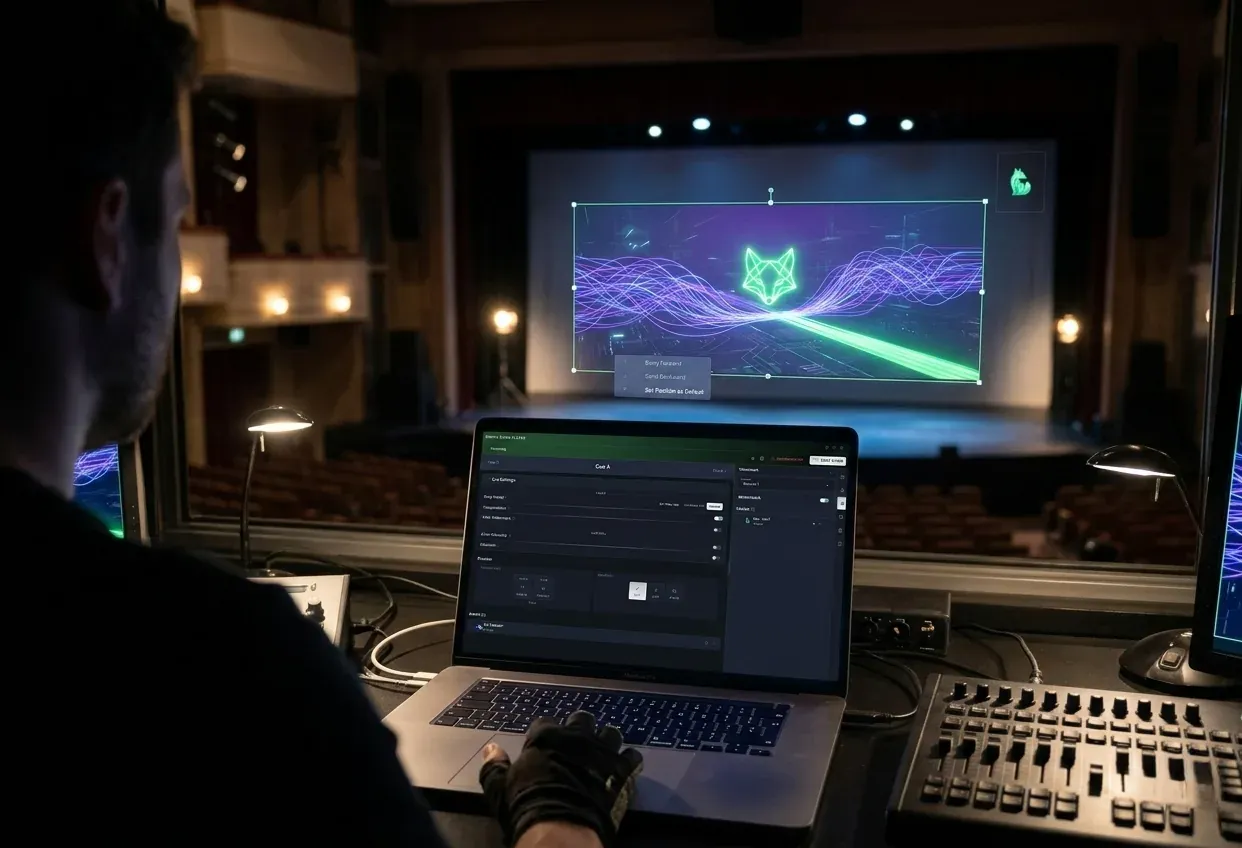
Simpli Show thinks in cues, not slides. A cue captures the exact state of every output at a given moment — what's on screen, what's playing, everything. You prepare your cues ahead of time, then fire them during the show with a single keypress.
Each show lives in a project. A project holds your media assets, organized into cues and scenes. You put everything together in Edit Mode, then flip into Show Mode when it's go time.
Key Concepts
- Project — Everything for one show in one place — media, cues, settings. You can export and import projects to move them between machines.
- Cue — A saved state of all your outputs. Trigger a cue and every screen transitions to that state.
- Scene — A group of cues to keep larger shows tidy (think "Act 1", "Intermission", "Act 2").
- Asset — Any media file (image, video, audio) or element (text, shape) you use in your show.
- Monitor / Channel — A physical display output (projector, LED wall, screen) that Simpli Show drives.
- Edit Mode — Where you build and arrange your cues.
- Show Mode — The live performance interface — full-screen, distraction-free, ready for showtime.
- Notes — Operator notes attached to each cue, visible only to you during the show.
- Screenplay — A script view that runs alongside your cue list, so you always know where you are in the production.
What's Next?
- Projects — How projects, cues, and scenes are structured
- Edit & Show Modes — The two modes and how to switch between them
- Monitors — Setting up multiple display outputs
- Asset Manager — Importing and configuring media
- Cue Editing — Composing what appears on screen